

































Image is not available

Daily or every 2 hours of operation

1. Turn off dishwasher by pushing green main power switch. DO NOT do this until finished watching cleaning demo.
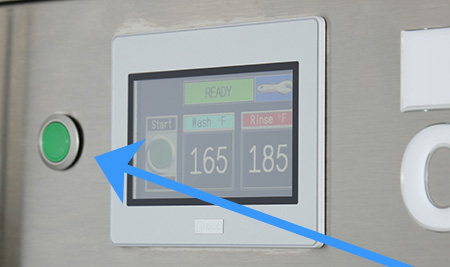

Image is not available

Daily or every 2 hours of operation

2. Open drain lever(s) to drain water. Remove scrap screens and scrap baskets. IN THE TANK REMOVE AND CLEAN SQUARE PUMP INTAKE SCREEN.
Clean inside of the tanks and flush with clean water. Back flush the scrap screens until clean then reinstall in the machine.
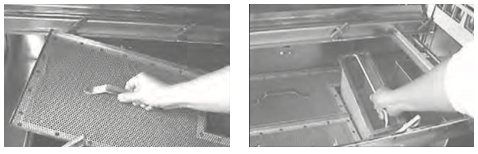
Image is not available

Daily or every 2 hours of operation

3. Remove the spray arm assemblies. Remove the end cap from each spray arm.
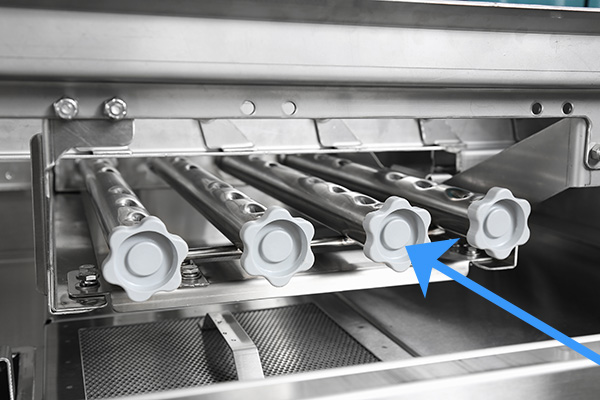
Image is not available

Daily or every 2 hours of operation

4. Flush the spray arms and nozzles to remove any debris.
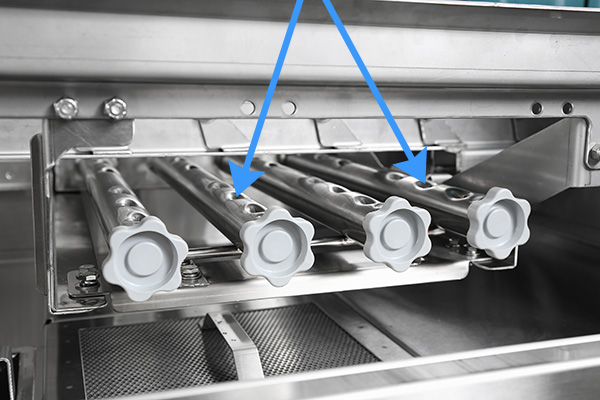
Image is not available

Daily or every 2 hours of operation

5. Replace the end caps. Check the condition of the manifold O-ring.

Image is not available

Daily or every 2 hours of operation

6. Reinstall wash arm. Make sure it locks in place
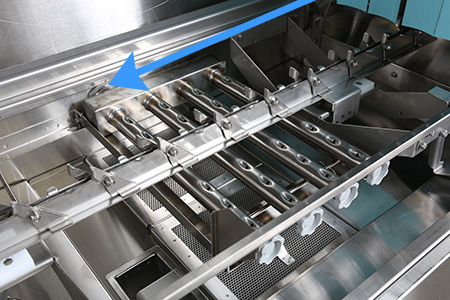
Image is not available

Daily or every 2 hours of operation

7. Remove and clean the curtains. Allow them to dry at the end of the day.
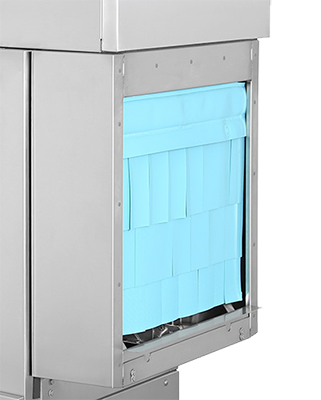
Image is not available

Daily or every 2 hours of operation

8. Make sure the final rinse nozzles are clear of mineral deposits.
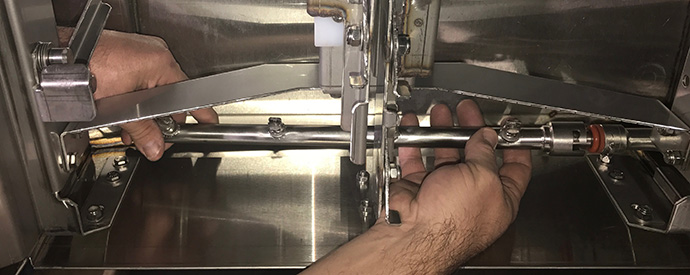
Image is not available

Daily or every 2 hours of operation

9. Leave the doors open between operations, allowing the machine to dry.

If you have any questions please visit
championindustries.com

Image is not available

1. Check that the spray pipes, curtains, and scrap screens are in place and clean.
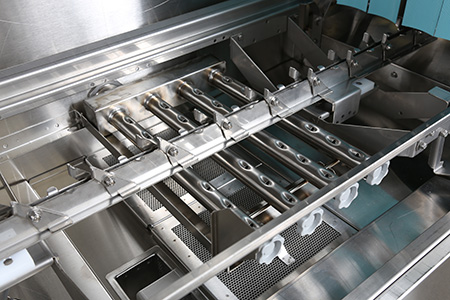
Image is not available

2. Check that the overflow drains are closed.
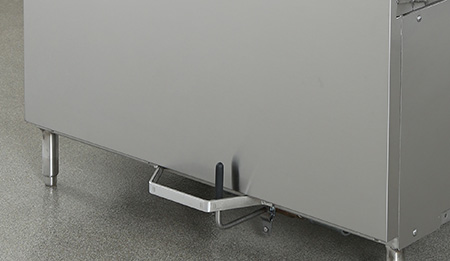
Image is not available

3. Check Chemical supplies and that the dispensers are full and functioning. These are supplied by others.

Image is not available

4. Close doors. Make sure they are fully shut.
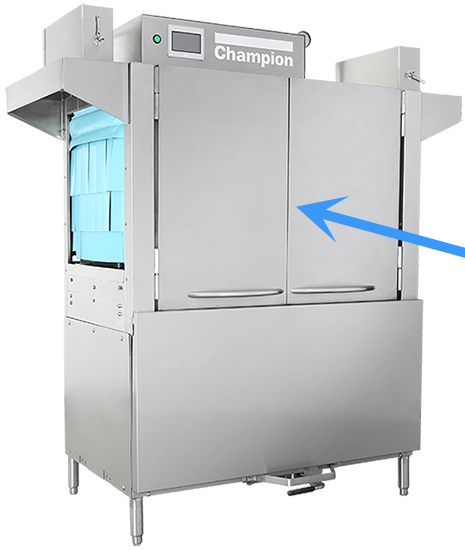
Image is not available

5. Push the green start button on main control panel. The machine will begin to power and touch screen will illuminate.

Image is not available

6. Before the machine can wash dishes, wait until the touch pad displays “READY”
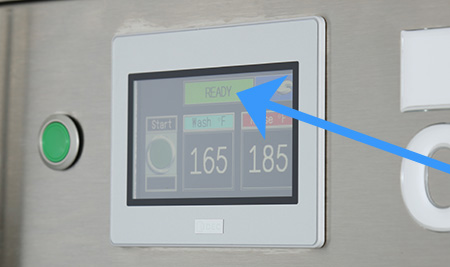
Image is not available

7. To start washing push the green button on the touch screen and insert a dishrack into the load end of the machine.
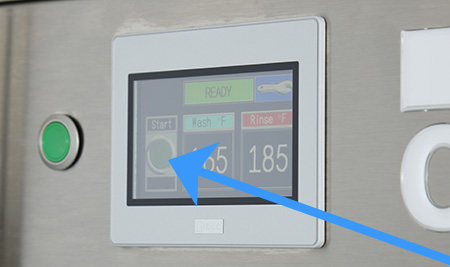
Image is not available
Slider